Navy Petite
Elegant Rose Gold Analog
An elegant analog watch face made for smaller Garmin watches: light pearl and pastel dials, rose gold hands and battery percent at a glance.
One-time purchase in the Connect IQ app on your phone, paid through Garmin. Garmin's payment is not available in every country.
Price in USD. The Connect IQ Store may show it converted to your currency.
Open on your phone
Scan the code with your phone to open Navy Petite in the Connect IQ Store. You buy and install faces in the Connect IQ app on your phone.
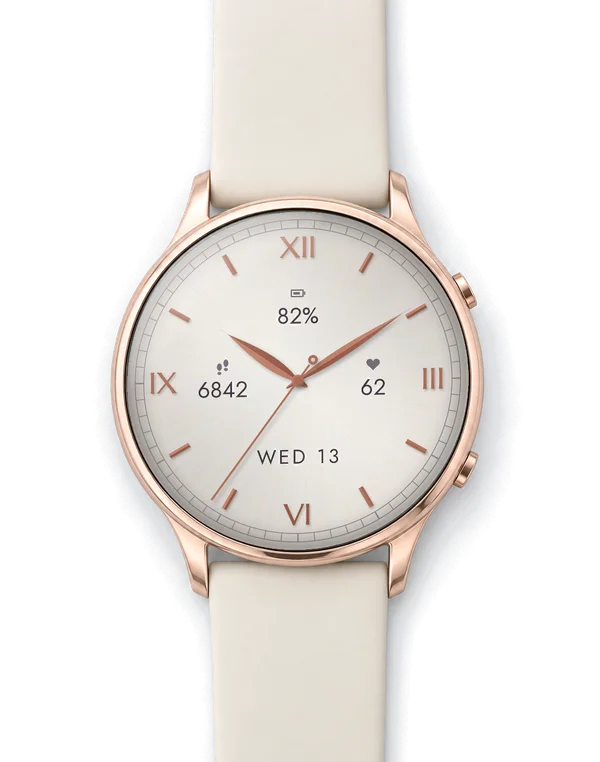
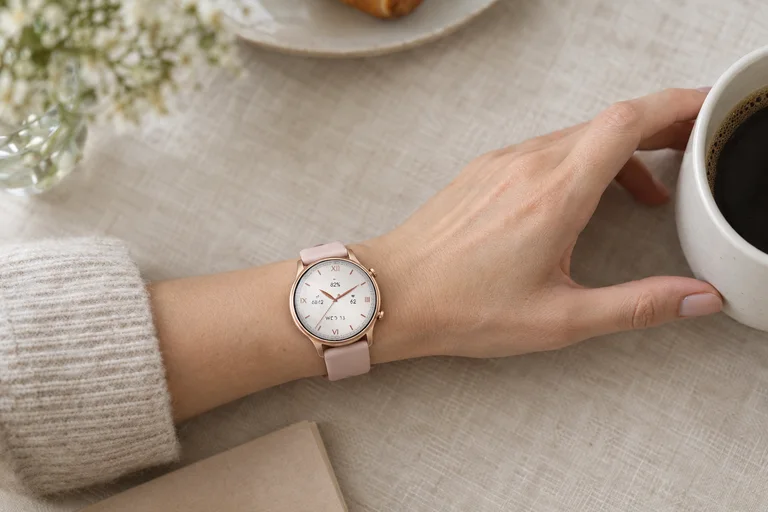
Look closer
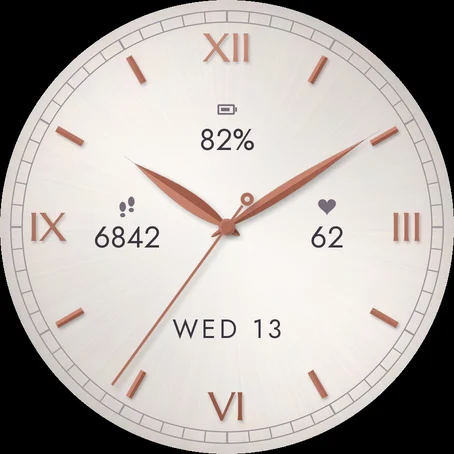
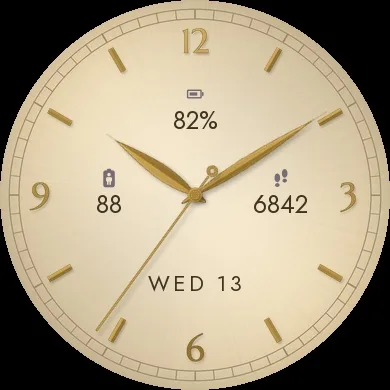
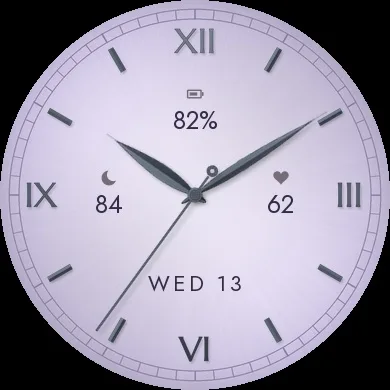
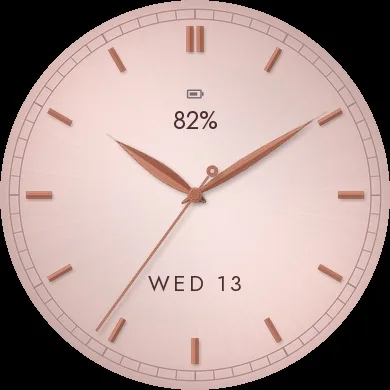
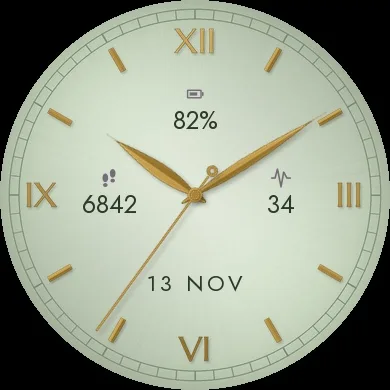
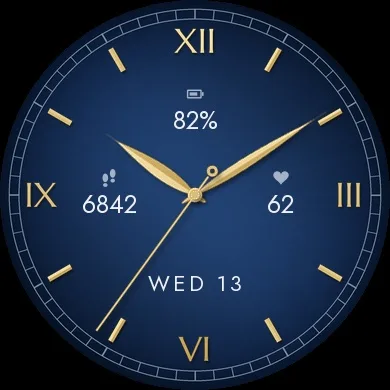
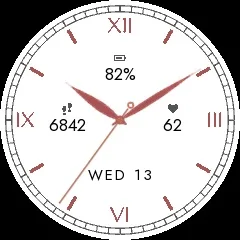
Screenshots from the Garmin simulator.
How to use
Install
- Install the Connect IQ app on your phone and sign in with your Garmin account.
- Search "Navy Petite" in the Connect IQ app, open the face and tap Install (paid faces show the price first).
- Sync the watch in Garmin Connect, then pick the face on the watch in the watch face menu.
How to set it up
- On watches with Garmin's watch face editor (fenix 8 / 9 / 9 Pro 43 mm, fenix E, Venu 4 41 mm, vivoactive 6, Forerunner 570 42 mm / 170 / 70, Approach S72): long-press the watch face and choose Customize. Style = dial, Accent Color = hands and markers, Data = the three fields. Numerals, night dial, seconds, date and always-on are set in the Connect IQ app on your phone.
- On other watches open the watch face menu (hold MENU, or long-press the screen on touch watches), select Navy Petite and its settings: everything is there, no phone needed.
- In the Connect IQ app on your phone open the watch face, tap Settings, save. If the settings don't sync, restart watch and phone, then sync in Garmin Connect.
At a glance
What it does
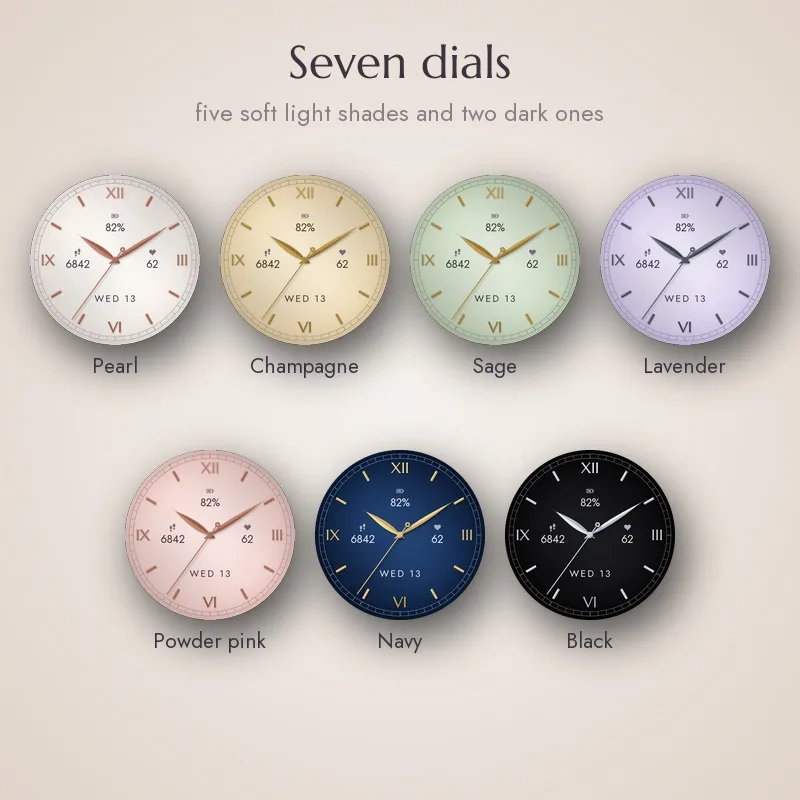
- Seven dials: pearl, champagne, sage, lavender and powder pink, plus navy and black
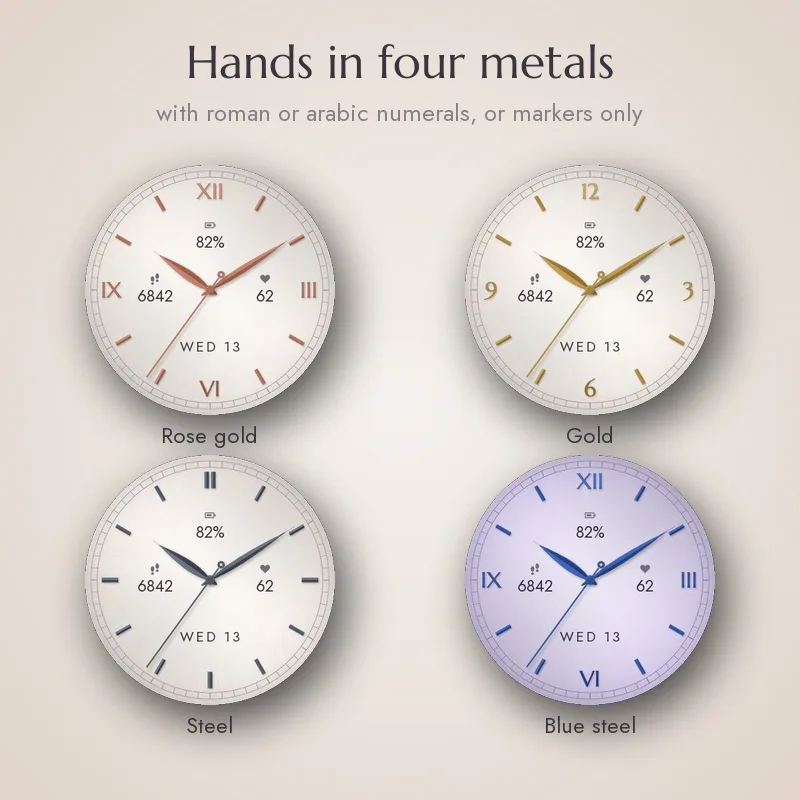
- Slim leaf-shaped hands, hour markers and numerals in rose gold, gold, steel or blue steel
- Roman numerals (XII, III, VI, IX), arabic numerals (12, 3, 6, 9) or markers only
- Drawn for small screens: sizes and fonts are made for 360 to 416 px displays, not scaled down from a large watch
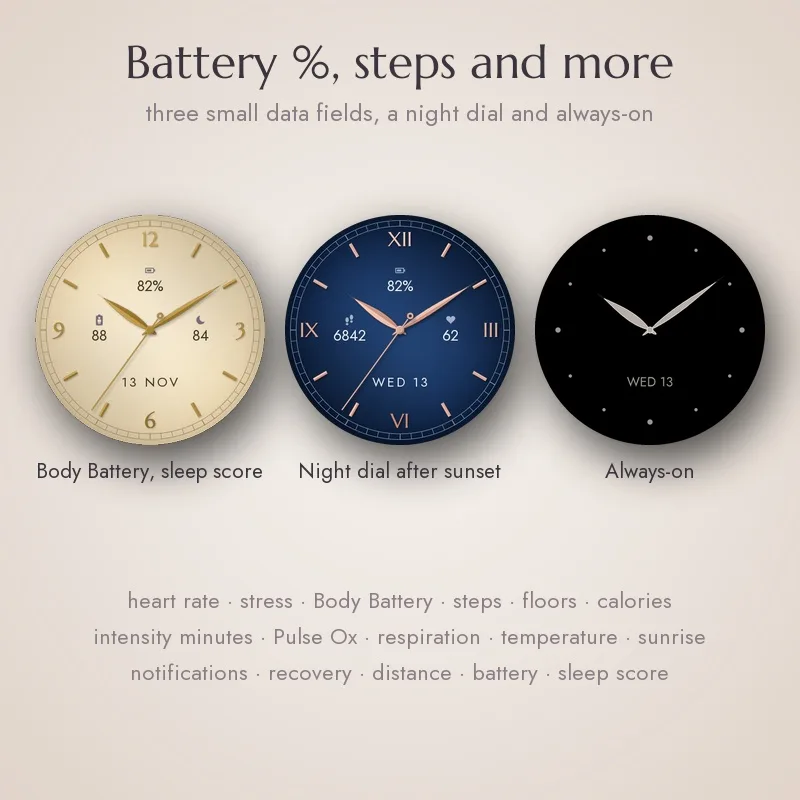
- Three small data fields (top, left, right), battery percent by default; each shows one of 16 values or stays empty: battery %, steps, heart rate, stress, Body Battery, floors, calories, intensity minutes, Pulse Ox, respiration, weather temperature, sunrise/sunset, notifications, recovery time, distance or sleep score (sleep score only on watches that give it to watch faces: fenix 8 / 9 / 9 Pro 43 mm, fenix E, Venu 4 41 mm, vivoactive 6, Forerunner 570 42 mm / 170 / 70, Instinct 3 AMOLED, Approach S72; other watches show --)
- Date at six o'clock: day and date, date and month, week number, or hidden
- Optional night dial: after sunset a light dial changes to navy or black and returns at sunrise
- Seconds hand can be turned off
- Touch and hold a data field to open the matching Garmin widget, hold the date to open the calendar (touchscreen watches)
- Always-on on AMOLED with clear filled hands, in three styles (hands, hour dots and date / hands and date / hands only); clean flat version for MIP displays (fenix 7S, Forerunner 255S)
- Restore defaults right in the settings
- No data leaves your watch
Runs on my watch?
Runs on 37 Garmin watches.
- Approach S50 AMOLED
- Approach S70 42mm AMOLED
- Approach S72 43mm AMOLED
- D2 Air X10 AMOLED
- D2 Mach 1 AMOLED
- Descent G2 AMOLED
- Descent Mk3 43mm / Mk3i 43mm AMOLED
- epix (Gen 2) / quatix 7 Sapphire AMOLED
- epix Pro (Gen 2) 42mm AMOLED
- epix Pro (Gen 2) 47mm / quatix 7 Pro AMOLED
- fēnix 7S MIP
- fēnix 7S Pro MIP
- fēnix 8 43mm AMOLED
- fēnix 9 43mm AMOLED
- fēnix 9 Pro 43mm AMOLED
- fēnix E AMOLED
- Forerunner 165 AMOLED
- Forerunner 165 Music AMOLED
- Forerunner 170 AMOLED
- Forerunner 170 Music AMOLED
- Forerunner 255s MIP
- Forerunner 255s Music MIP
- Forerunner 265 AMOLED
- Forerunner 265s AMOLED
- Forerunner 570 42mm AMOLED
- Forerunner 70 AMOLED
- Instinct 3 AMOLED 45mm AMOLED
- Instinct 3 AMOLED 50mm AMOLED
- MARQ (Gen 2) Athlete / Adventurer / Captain / Golfer / Carbon Edition / Commander - Carbon Edition AMOLED
- MARQ (Gen 2) Aviator AMOLED
- Venu 2 AMOLED
- Venu 2 Plus AMOLED
- Venu 2S AMOLED
- Venu 3S AMOLED
- Venu 4 41mm AMOLED
- vívoactive 5 AMOLED
- vívoactive 6 AMOLED
Not in the list? Then this face does not run on your watch yet.
Questions
How do I turn on the night dial?
Settings / Night dial after sunset / Navy or Black. Sunrise and sunset come from the location known to your watch; without it the night lasts from 19:00 to 7:00. Choosing another dial in Garmin's editor turns the night dial off.
Why does sleep score show --?
Only some newer watches give it to watch faces (see the list above). Otherwise choose another value.
Is there a seconds hand in always-on?
Garmin updates always-on once a minute, so no. On MIP watches the seconds hand also hides in low-power mode.
Colours look different on my fenix 7S / Forerunner 255S?
MIP displays show 64 colours, so the dials are flat pastel colours there by design.
What's new
- Version 1.0.1 Fix: sunrise and sunset showed -- instead of the time. The automatic day and night switch did not change because of it either. They now come straight from the watch (Connect IQ 4.2 and newer).
- Version 1.0.0 First release: seven light and dark dials, hands in four metals, roman or arabic numerals, three data fields with battery percent, night dial, always-on, Garmin watch face editor support.
More from Navy
Something not working? See help or write to me